
Zapier + Claude: No-Code Automation Across Thousands of Apps
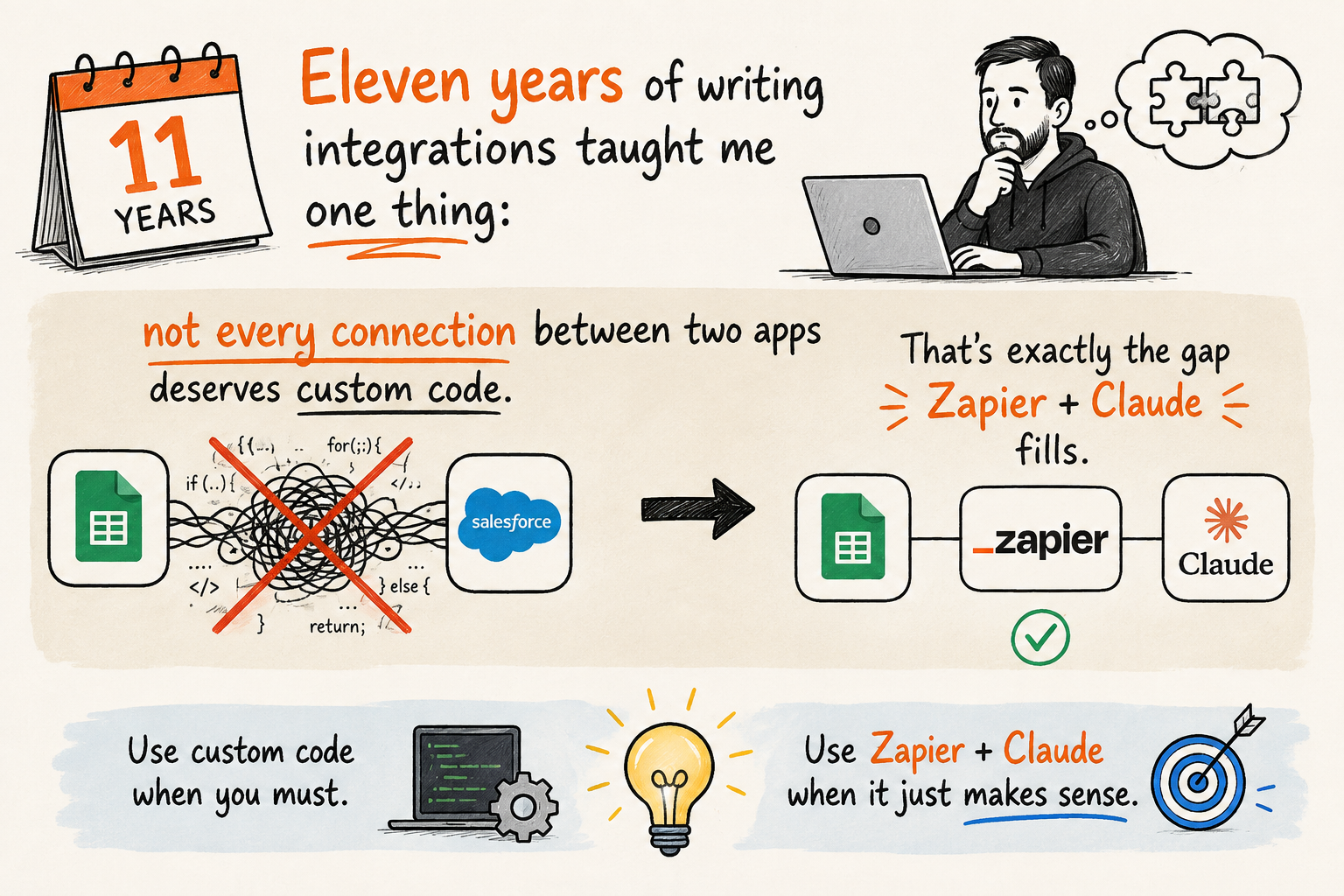
Eleven years of writing integrations between systems leaves a mark. A webhook here, a message queue there, a small service that translates one API's shape into another's. The instinct runs deep: when two apps need to talk, I reach for code.
The problem is that instinct doesn't scale down. For automations that genuinely deserve their own service — absolutely, write the code. But for the small daily connections — a new contact-form submission becoming a task, a new spreadsheet row pinging the team channel — writing code is over-engineering. The payoff doesn't cover the cost of the effort. That's exactly the gap Zapier, wired through Claude, fills.
What this actually is
Zapier MCP is a hosted server that speaks the protocol connecting Claude to external tools (MCP — Model Context Protocol). It opens access to nearly 9,000 apps and 30,000+ actions — from Gmail and Slack to CRMs and spreadsheets — with no code at all. You add it as a connector: Settings → Connectors → Add custom connector, paste the server URL Zapier generates for you at mcp.zapier.com, and authenticate through your Zapier account. From there, Claude only sees the actions you choose to expose — not your whole account by default.
If you've only connected Claude to directory connectors so far — Gmail, Calendar, Notion — Zapier is a different class of tool: not one channel, but a bridge to thousands. I've laid out when each makes sense in a map of Claude's tools — in short: a direct connector for something you use constantly and want deep integration with; Zapier for the long tail of one-off or occasional connections that don't justify their own connector.
Why this is a psychological question too, not just a technical one
One of the things that worked best in SamsaraForge is the "make it easy" principle — the more steps stand between intention and action, the less often the action happens. The same holds for workflows. Every manual copy-paste between two apps is a small piece of friction. On its own it's trivial; accumulated across a month, it eats attention that would otherwise go toward work that actually requires thinking. Automating the handoff doesn't just save time — it frees up capacity for the decisions that actually deserve it.
An example
Say you run a small business or a freelance practice. Someone fills out the contact form on your site. Right now the process probably looks like this: open your inbox, read the inquiry, copy the details into a task in Trello or Asana, post a message in the team Slack so colleagues know. Five to ten minutes, repeated every time a new inquiry lands.
With the Zapier connector in place, the same thing happens with one request to Claude: it reads the new inquiry, summarizes it, creates a task with a clear summary and priority, and drops a short message in the channel. The difference isn't in the quality of the work — it was already being done correctly. The difference is that the friction between "I saw the inquiry" and "the team knows about it" disappears.
A ready-to-copy prompt if you want to try something similar:
Check for new inquiries in [your form/inbox] from the last 24 hours.
For each one: summarize in 2-3 sentences, assign a priority (high/medium/low)
based on the urgency of the content, and create a task in [your task tool]
with that summary. Send a short message in [channel] listing the new tasks.
Honest limits
Zapier MCP has no triggers of its own. It acts only when you start a conversation and ask Claude to check or do something — a real "X happens, Y automatically follows" without your involvement lives in Zapier's own Zaps or in Cowork's scheduled tasks, not in the MCP connection itself. Every action through the connector also draws down your Zapier plan's task quota, so higher volume shows up on the bill. And like any broad key, it's wiser to expose a narrow set of actions and widen access only once you've seen you actually use them, rather than opening everything at once.
Not every connection between two systems deserves to be written. Part of engineering maturity is recognizing when the cost of the code outweighs the cost of the friction it would have removed.
If you'd like to try something like this on a real case of your own, there's a free 30-minute session here: dev-smart.academy/bezplatna-ai-oferta.
Comments (0)