
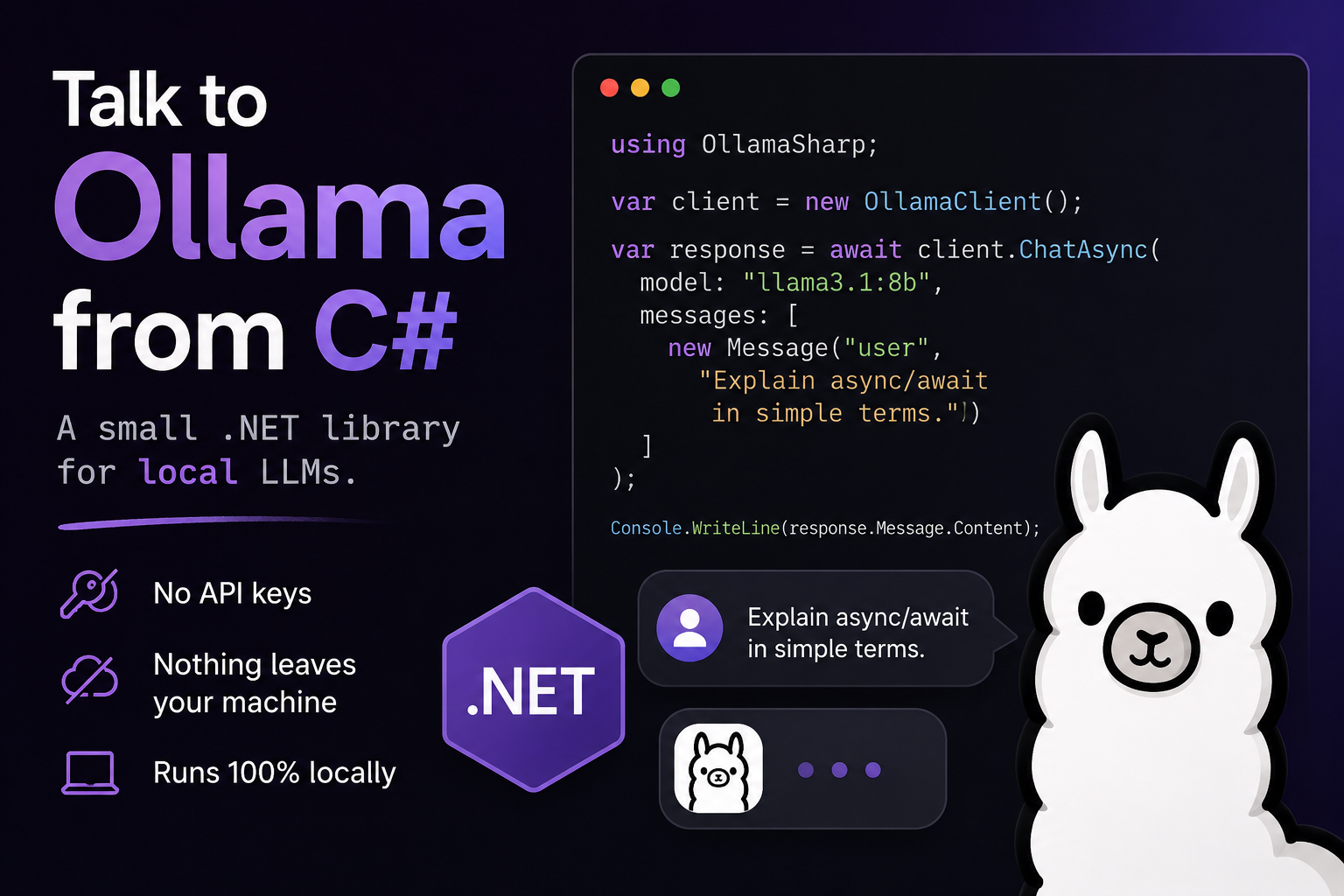
Running Local LLMs in .NET with OllamaClient
I like keeping things on my own machine. Ollama makes that easy — it runs open models like Mistral or Llama locally and exposes a small HTTP API on localhost:11434. The piece I kept rewriting in project after project was the C# glue around that API, so I packaged it up as OllamaClient, a thin .NET client you can drop into anything.
This is a quick walkthrough: get Ollama running, pull a model, then have C# stream an answer back to you.
1. Get Ollama running
Install Ollama from ollama.com, then start the server and pull a model:
# the server listens on http://localhost:11434
ollama serve

# in another terminal, grab a small but capable model
ollama pull mistral
If you just want to confirm it works before touching any code:
ollama run mistral "Say hello in one sentence."That's the whole backend. No keys, no cloud, nothing leaves your machine.
2. Add the library
dotnet add package OllamaClientIt targets .NET 8 (the 1.0.x line) and .NET 9 / 10 (1.1.x), and works with Ollama 0.1.x and up.
3. Wire it up
The client registers through standard dependency injection. With no arguments it points at the default local endpoint:
using Microsoft.Extensions.DependencyInjection;
using OllamaClient;
using OllamaClient.Extensions;

var services = new ServiceCollection()
    .AddOllamaClient()          // defaults to http://localhost:11434/
    .BuildServiceProvider();

var client = services.GetRequiredService<IOllamaHttpClient>();
If Ollama lives somewhere else, pass a configuration action:
services.AddOllamaClient(cfg =>
{
    cfg.OllamaEndpoint = "http://my-ollama-host:11434/";
});
4. A first conversation
Here's the smallest useful example — make sure the model is present, list what's installed, then stream a chat reply chunk by chunk:
using OllamaClient.Models;

// make sure the model is available locally
var pull = await client.Pull(new PullRequest { Name = "mistral" }, CancellationToken.None);
Console.WriteLine(pull.Status);

// see what's installed
var models = await client.GetModels(CancellationToken.None);
foreach (var model in models.Models)
    Console.WriteLine(model.Name);

// stream a reply
await foreach (var chunk in client.SendChat(new ChatStreamRequest
{
    Model = "mistral",
    Messages = [new Message { Role = "user", Content = "Explain async streams in one paragraph." }]
}, CancellationToken.None))
{
    Console.Write(chunk.Message?.Content);
}
SendChat comes in two flavours: the ChatStreamRequest overload above returns an IAsyncEnumerable, which feels right for a chat UI, and a plain ChatRequest overload that hands back the whole ChatResponse at once when you only need the final text.
5. Multi-turn chat without the bookkeeping
For a real back-and-forth you normally have to carry the message history yourself. The library can do that for you through IStatefulConversationOllamaService — give each conversation a ConversationId and it keeps the history across turns:
var chat = services.GetRequiredService<IStatefulConversationOllamaService>();
var conversationId = Guid.NewGuid();

await foreach (var chunk in chat.SendChat(new ConversationChatStreamRequest
{
    ConversationId = conversationId,
    Model = "mistral",
    Messages = [new Message { Role = "user", Content = "My name is Iliya." }]
}, CancellationToken.None))
{
    Console.Write(chunk.Message?.Content);
}

// the next turn remembers the previous one
await foreach (var chunk in chat.SendChat(new ConversationChatStreamRequest
{
    ConversationId = conversationId,
    Model = "mistral",
    Messages = [new Message { Role = "user", Content = "What's my name?" }]
}, CancellationToken.None))
{
    Console.Write(chunk.Message?.Content);
}
What else is in there
The same IOllamaHttpClient covers the rest of the Ollama API: Generate for prompt completion, Embed for embeddings, plus Create, Copy, Delete, Show, Push, GetVersion and GetRunningModels. Most of them have both a single-response and a streaming overload.
That's really all it is — a small, honest wrapper so you can stay in C# and let your own machine do the thinking. The code is MIT-licensed and on GitHub; issues and pull requests are welcome.
Comments (0)