
Connect Notion to Claude: A Workspace You Talk To Instead of Maintaining
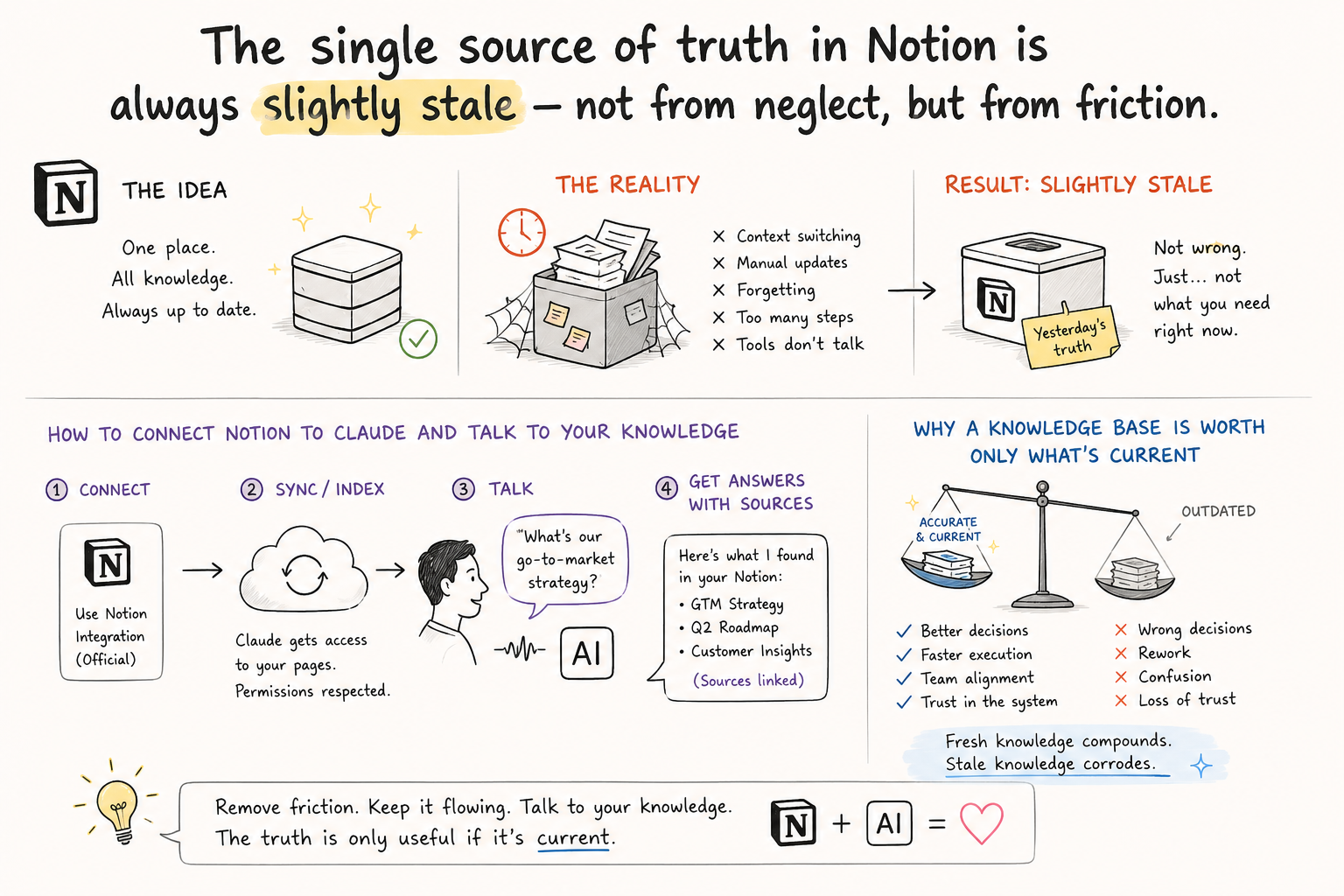
Every team has a "single source of truth" — usually in Notion — and it's almost always slightly out of date. The strange thing is, it doesn't rot from neglect. It rots from friction: updating it is tedious manual work, separate from the actual work, so it gets postponed. The document that's meant to always be current is always a bit behind — not because people don't care about it, but because maintaining it is a tax nobody wants to pay.
Notion has an official connector for Claude — and it shifts the balance. With it, Claude doesn't just read your Notion; it can write to it too: create and update pages, add entries to databases. So Notion stops being a place you open to read and becomes a place you operate by asking. "Add today's decisions to the project page." "Which pages in this database haven't been touched in two weeks?" The maintenance work moves out of your hands and into a conversation.
How to connect. You need a paid Claude plan. In settings, open Connectors, find Notion, and click connect (if it's not listed, add it as a custom connector with the address https://mcp.notion.com/mcp). You sign in through Notion (OAuth) and — importantly — choose exactly which pages and databases are accessible. This isn't full access to everything; you set the scope. Notion itself downloads from notion.com; the connector is maintained by Notion, not homemade.
What it's best for: keeping the document alive. Here's an update prompt:
Open the page [name] in Notion and add today's decisions from
this conversation as a new dated section. Don't touch the rest of
the content. Then show me what you added so I can confirm it.
Or for a review across many pages at once: "Go through the [Projects] database and tell me which projects haven't been updated in over two weeks and who owns them." What used to mean opening ten pages and comparing in your head becomes one question — and the answer comes from your real work archive, not from general knowledge.
And the honest part, because now the tool writes in your space, not just reads it. Review before you accept — that's exactly why the prompt says "show me what you added." Give it the least access it needs, not the whole workspace; the scope you open is also the scope it can get wrong. And remember that a wiki confidently stating something false is more dangerous than an empty one — because people trust it. Claude speeds up the maintenance; it doesn't take on responsibility for correctness. That stays yours.
Because a knowledge base is worth exactly as much as it's current. A stale page isn't neutral — it actively misleads, because it looks like truth. And staleness is almost always a friction problem: not that no one wants the document to be right, but that updating is boring and gets postponed. Remove that friction — make updating a single spoken line — and the document stays alive on its own. That's the quiet difference between a wiki that helps and a wiki everyone has stopped opening.
(If you'd like to fit this to a real Notion of your own, with a person beside you, there's also a free practical session.)
The wiki doesn't rot from neglect, but from friction. Make updating a single spoken line — and the document stays alive. A knowledge base is worth exactly as much as it's current.
Comments (0)